Your work,
beautifully organized
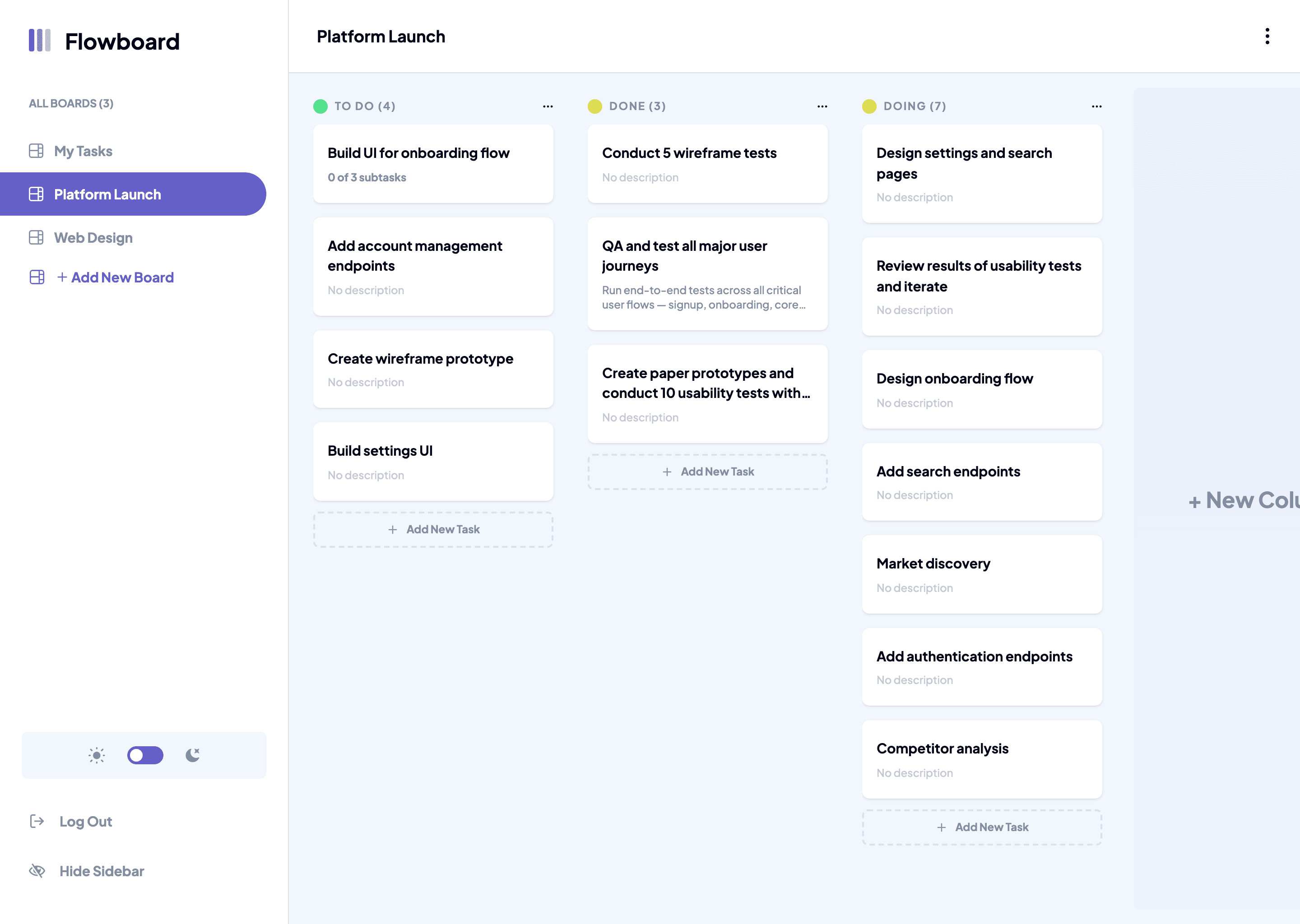
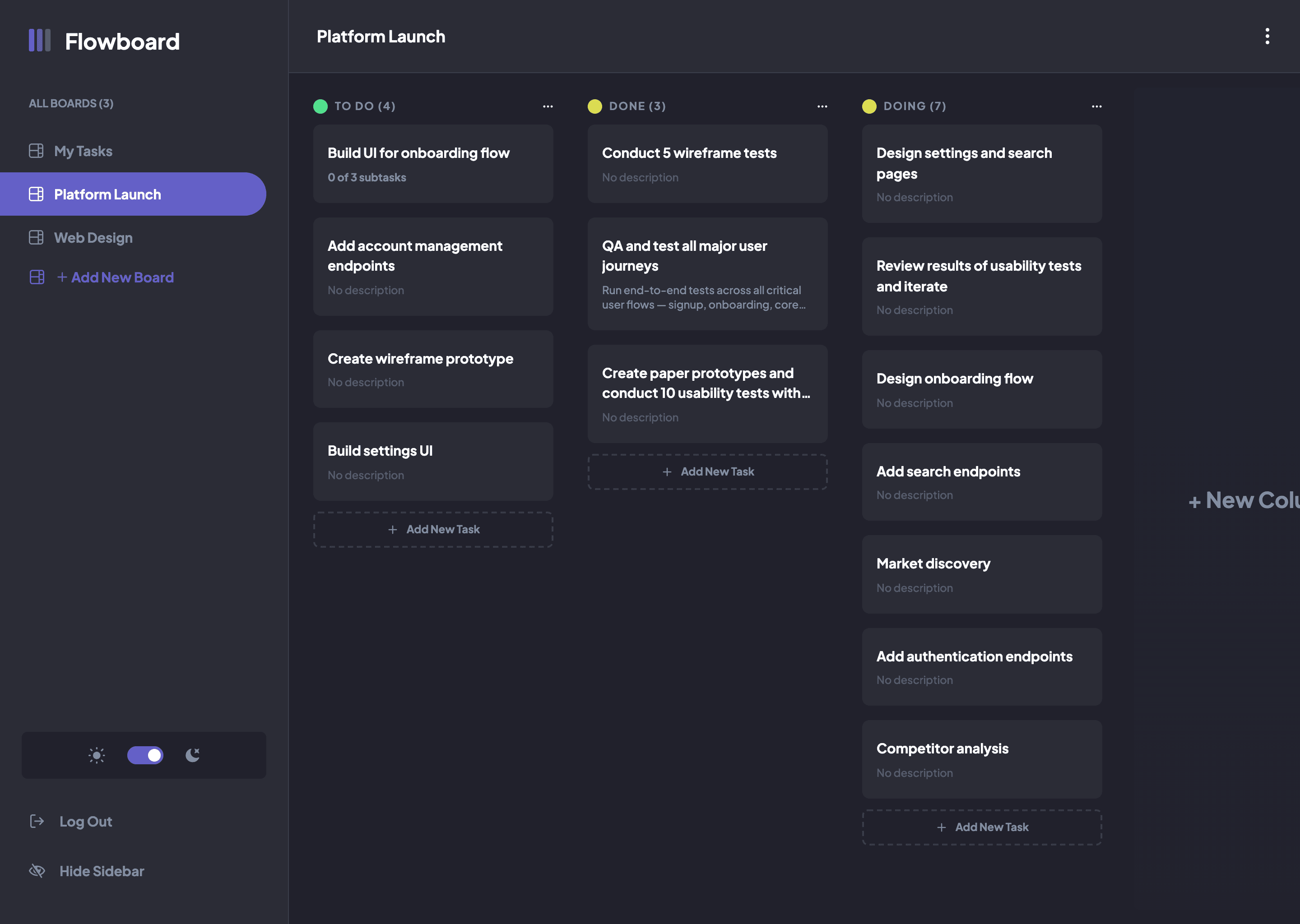
Create boards, add tasks, break them into subtasks, attach notes — and see everything laid out as a visual kanban board.
Features
Everything you need, nothing you don't
Flowboard keeps it simple — powerful enough for complex projects, clean enough that your team will actually use it.
Smart Boards
Create separate boards for every project. Keep your work contexts clean and organized with custom columns.
Tasks & Subtasks
Break any task into subtasks. Track granular progress and never lose sight of what still needs doing.
Notes & Context
Attach rich notes to any task. All the context you need lives right next to the work, not in a separate doc.
Visual Workflow
See your entire project at a glance. Drag tasks across columns as work progresses from idea to done.
How it works
Up and running in minutes
No lengthy onboarding, no complicated setup. Just create a board and start moving work forward.
Create a board
Set up a board for your project in seconds. Add columns that match how your team works — To Do, In Progress, Done, or anything you like.
Add & organise tasks
Create tasks, break them into subtasks, and add notes with all the context your team needs. Assign priorities and keep everything in one place.
Track & ship
Move tasks across columns as work progresses. See the full picture at a glance and know exactly where every piece of work stands.
Ready to get organised?
Join teams already using Flowboard to ship faster and stress less. It's free to get started.